Manual iteration, manual errors
You draw table rows one by one. Route cables manually. Re-enter data between tools. Every design change means starting the cycle again. A 50 MW layout takes weeks of work that the software should be doing for you.
Deterministic layout, electrical, civil, and financial engines — orchestrated by AI, controlled by you. One AutoCAD/Civil 3D plugin. One backend. Three ways to access.
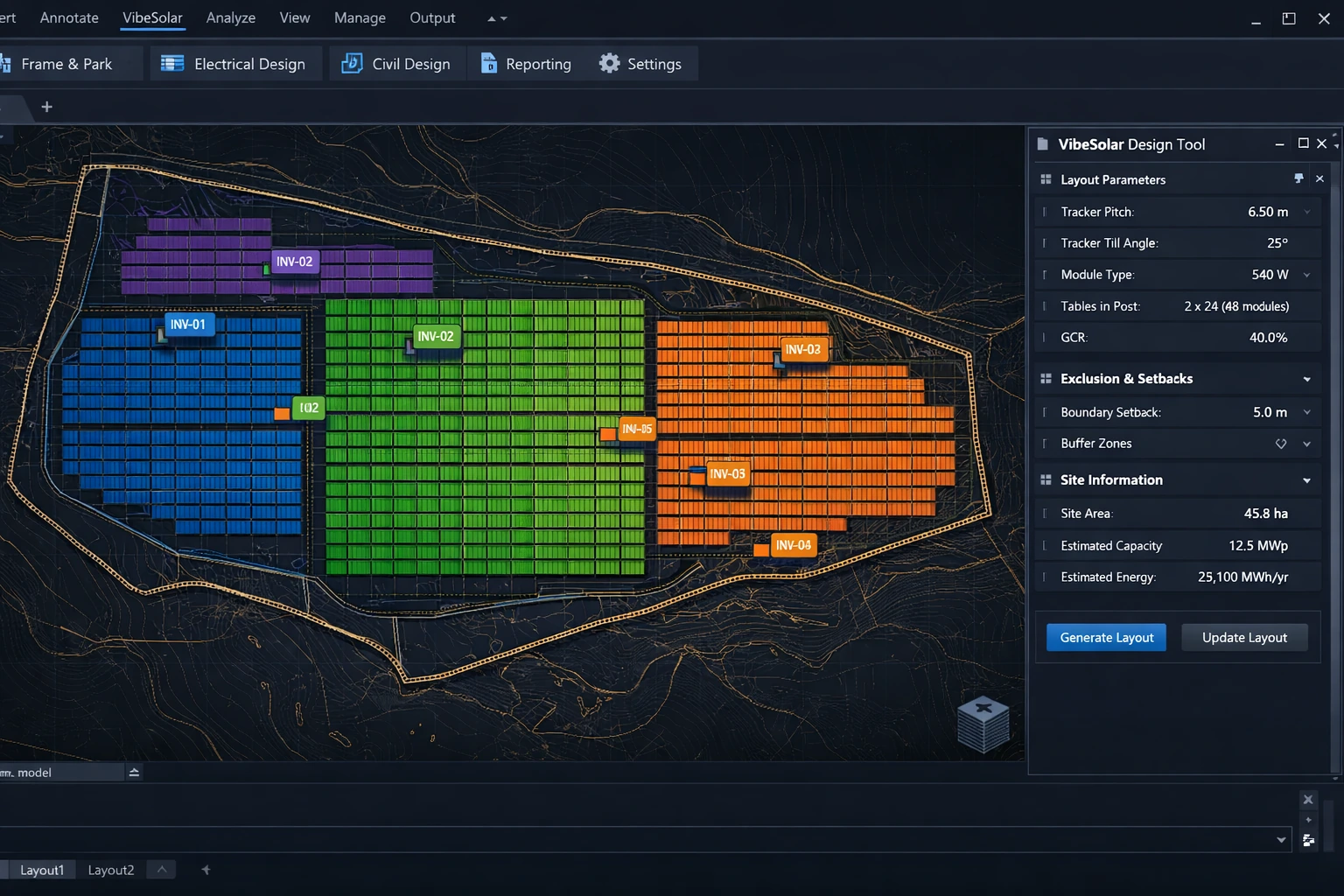
You draw table rows one by one. Route cables manually. Re-enter data between tools. Every design change means starting the cycle again. A 50 MW layout takes weeks of work that the software should be doing for you.
When the shading result looks wrong, can you trace it to specific geometry? When the cable loss number changes, do you know which assumption shifted? Black-box tools produce outputs without provenance. Your engineering sign-off deserves better.
Layout in PVcase. Shading in PVsyst. Electrical in a spreadsheet. Civil in Civil 3D. Financials in Excel. Each tool holds a fragment of the design truth. None of them talk to each other. Errors compound silently.
VibeSolar runs layout, electrical, civil, shading, and financial analysis from a single model — every output deterministic, every assumption visible, every parameter changeable without restarting from scratch.
Load a DXF boundary, fetch terrain from public APIs (GUGiK NMT for Poland, others available), or draw directly in AutoCAD/Civil 3D. VibeSolar builds the 3D terrain model and computes buildable area automatically — with setbacks, exclusions, and slope classification.
Select equipment from the built-in catalog, set design constraints, and generate a complete layout in one click or one sentence to the AI assistant. The system places tables terrain-adaptively, assigns strings, routes cables in 3D, lays roads and fencing, and runs shading — all in one pass.
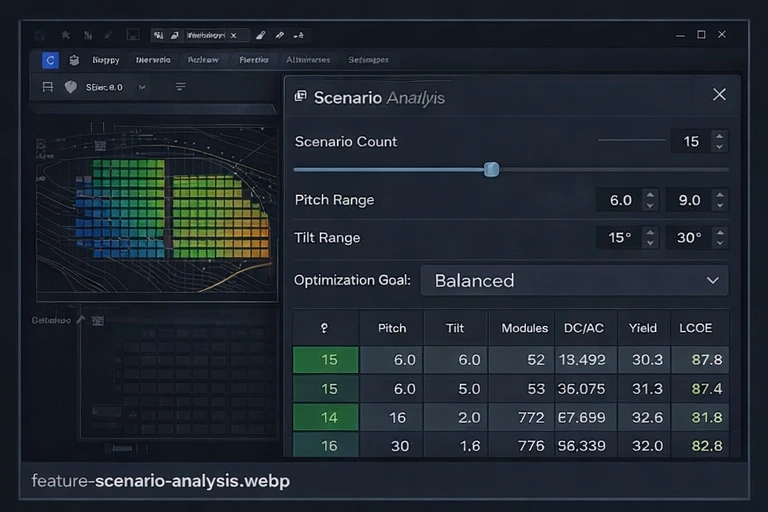
Run AI-powered design review (50+ engineering rules). Compare scenarios — sweep pitch, tilt, equipment across 1–50 variants with P10/P50/P90 rankings. Change any parameter. The entire pipeline recomputes in seconds. Every decision is logged.
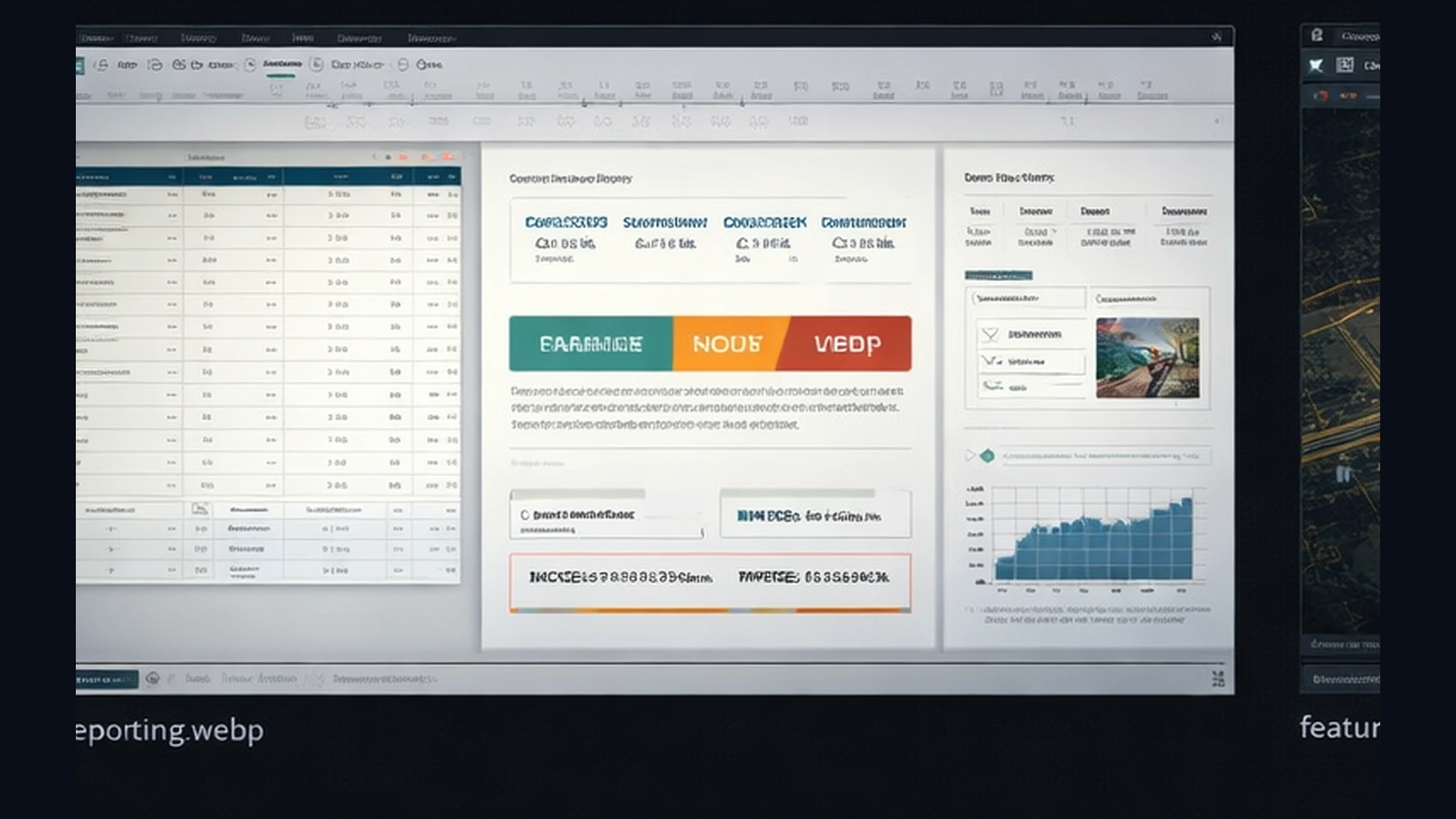
Export EPC-ready CAD files, PVSyst-compatible shading geometry, Bill of Quantities with cost breakdown, financial models (LCOE/IRR/NPV), string plans, and executive project summaries. Multi-format: DXF, Excel, Markdown. PDF coming.
Different teams have different tools, different budgets, and different workflows. VibeSolar meets you where you are.
For engineers who need full design control in their professional CAD environment. 96 ribbon commands, 32 WPF dialogs, real-time row-by-row layout streaming, bidirectional entity sync. This is where detailed engineering happens — native, fast, and fully integrated.
Best for: PV design engineers, EPC technical teams, detailed engineering phases.
For team members who need design outputs without an Autodesk license. Upload a DXF site boundary through any browser, configure parameters, and generate layouts using the same backend engines. Review results, compare scenarios, export reports. Not a replacement for AutoCAD/Civil 3D — a complementary path that expands who can use VibeSolar.
Best for: Development teams, pre-feasibility screening, project managers, remote site assessment.
For companies that want throughput at scale. A folder watcher detects new project files in a workspace directory, triggers design generation through the backend, and delivers completed results — without a human clicking “generate” for each run. Integrates with existing file-based workflows and CI/CD pipelines.
Best for: Batch pre-screening, integration with existing pipelines, high-volume preliminary design.
Each discipline runs its own deterministic engine. All disciplines share one project model. Change anything — the entire design updates.
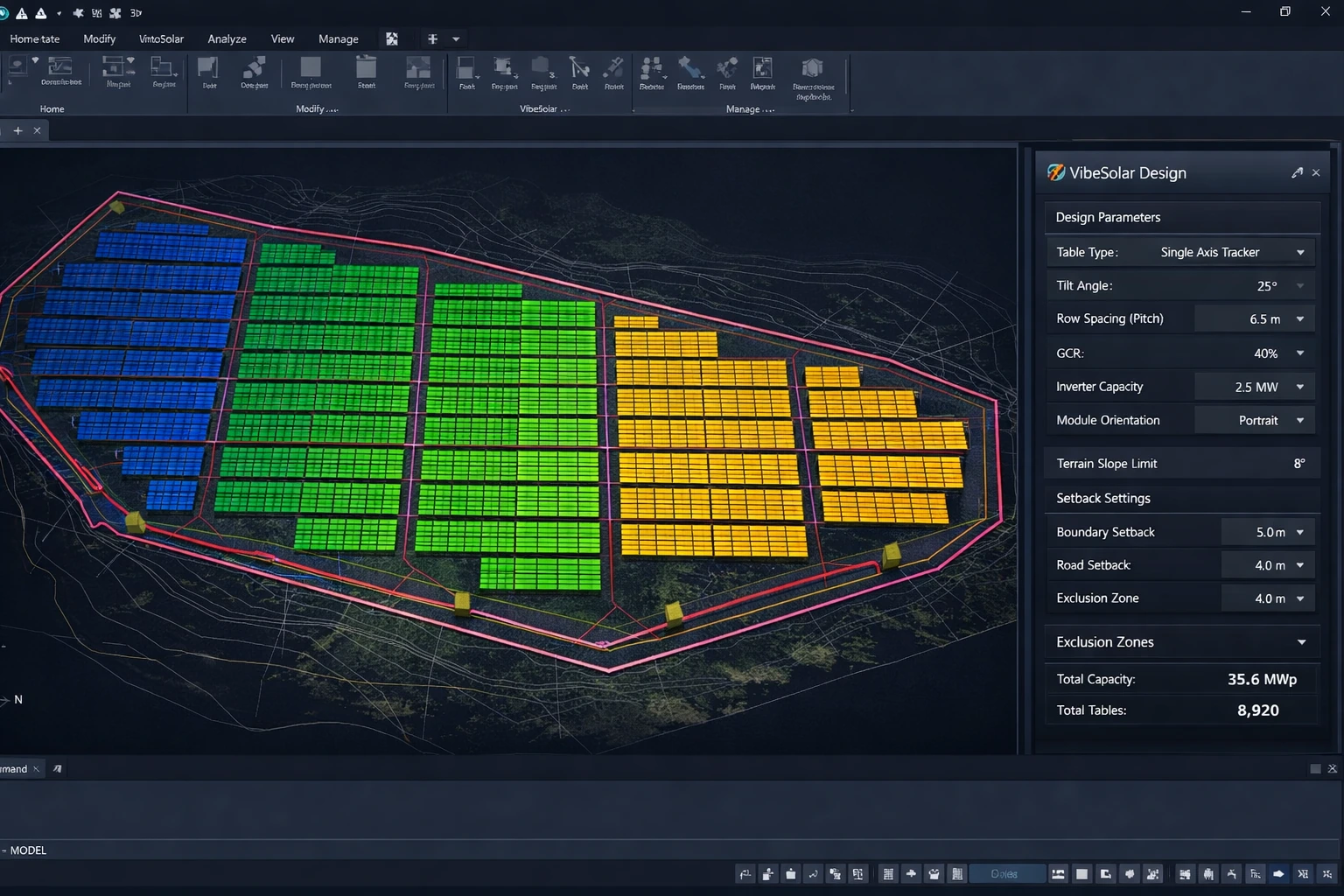
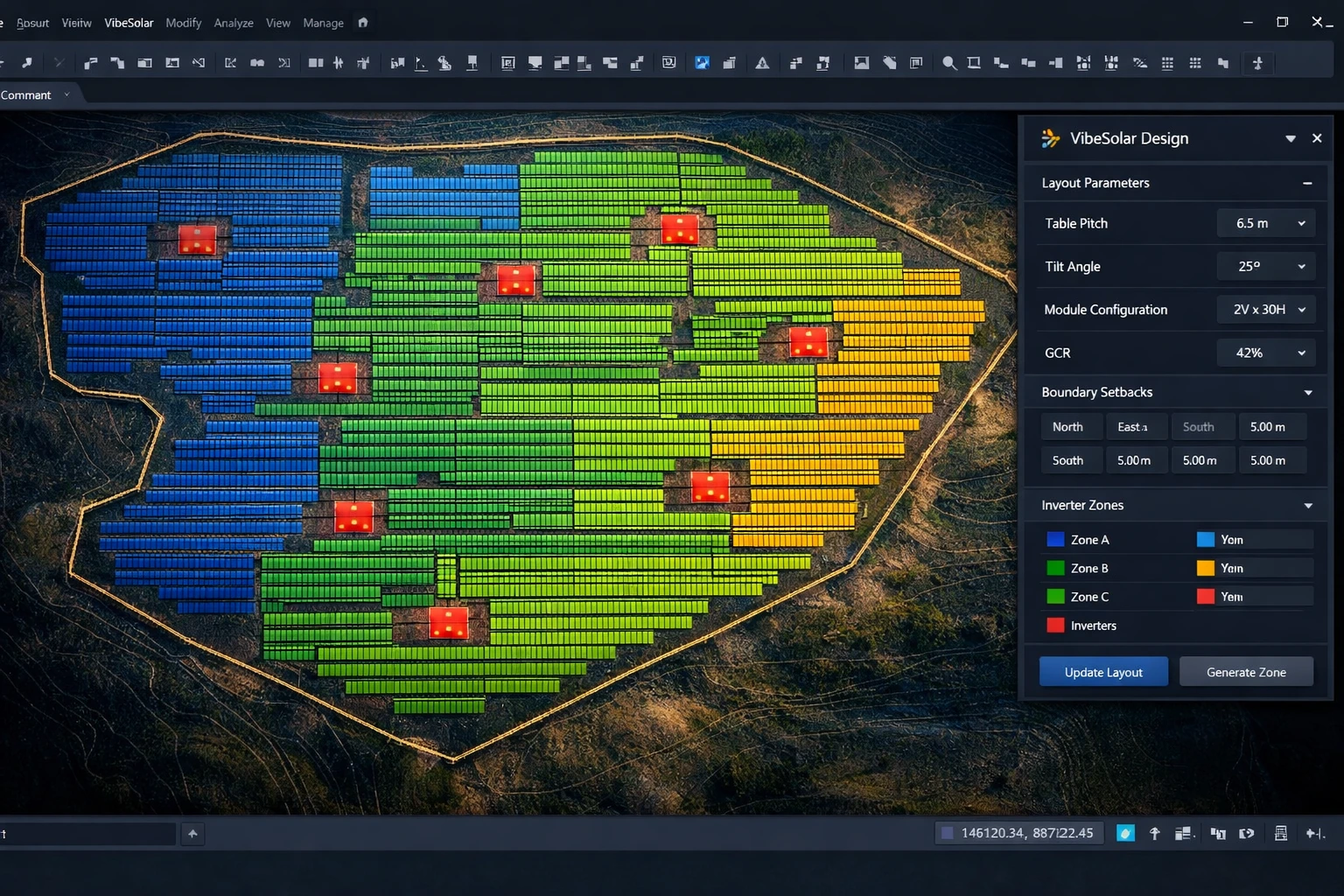
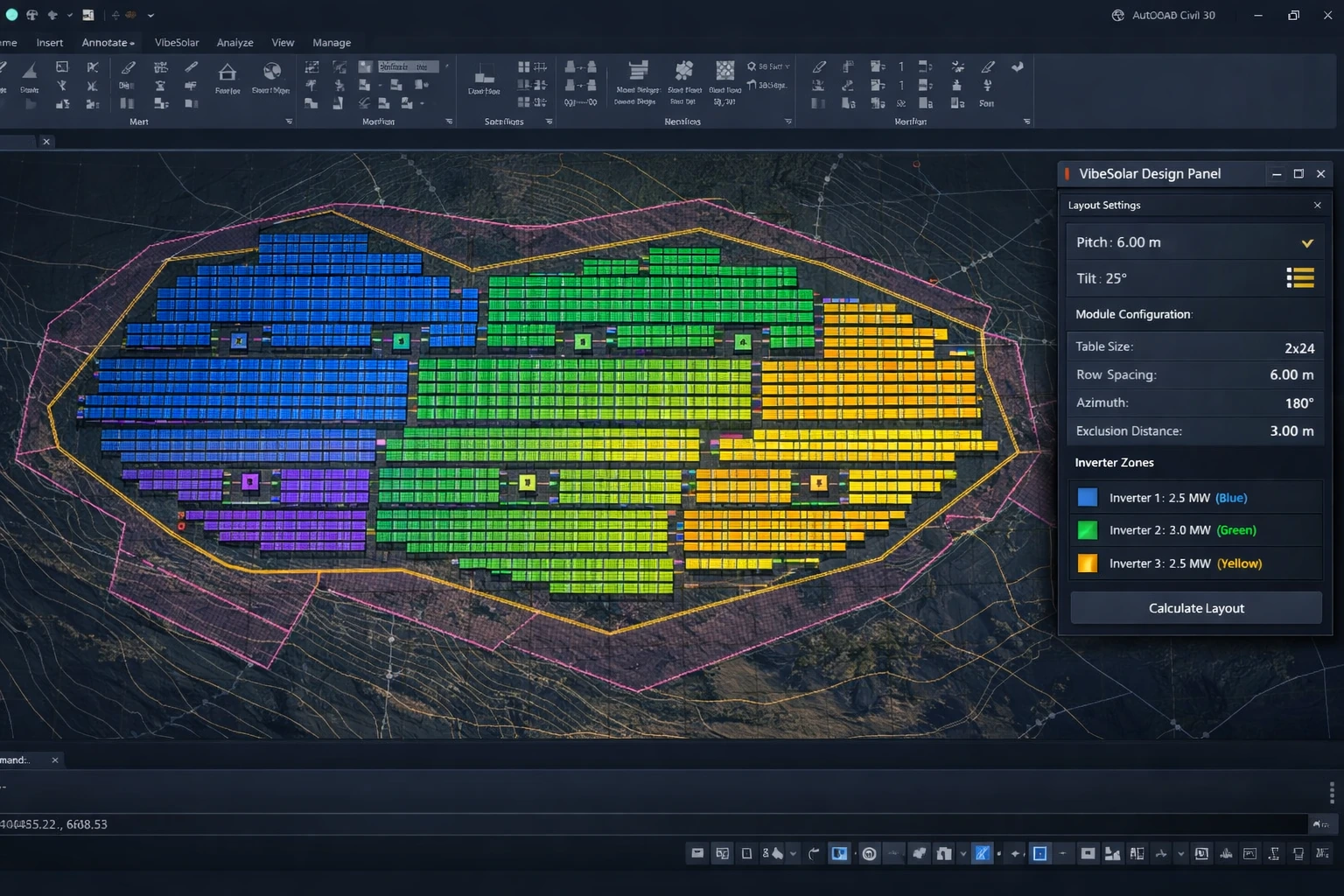
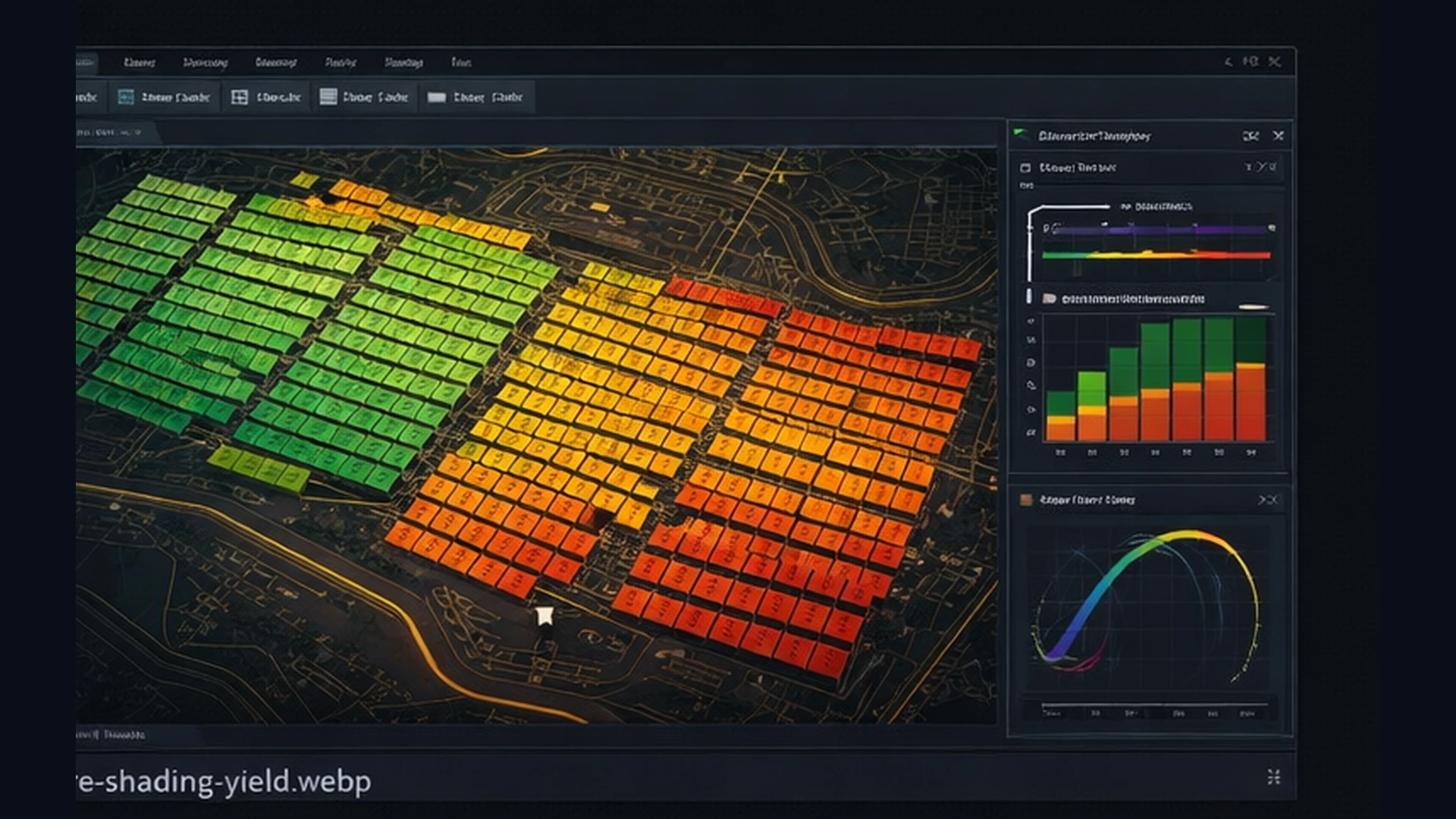
Most PV design tools treat the site as a flat polygon with a slope number. VibeSolar works in actual 3D terrain — and that changes everything.
Tables split when slopes exceed equipment limits. Cables follow terrain with calculated burial depths and 45° risers. Roads adapt to grade. Structural models carry real mounting detail — not just a rectangle on a map.
Mixed-frame layouts place different table families in the same design — tracker rows in flat zones, fixed-tilt in sloped areas, different module counts per section. The layout engine doesn't force one configuration onto an entire site.
This is the level of structural detail that survives contact with construction.
Generate 1–50 design variants by sweeping pitch, tilt, setback, gap, and equipment simultaneously. Each scenario runs the full deterministic pipeline — not an approximation.
VibeSolar uses AI for orchestration, intent interpretation, and learning — not for generating geometry. The engineering engines are deterministic. The AI makes them accessible.
Describe what you want in natural language (Polish or English). The intent parser converts your request into validated design parameters. The action dispatcher maps those to executable CAD commands — with safety confirmation before anything writes to your model.
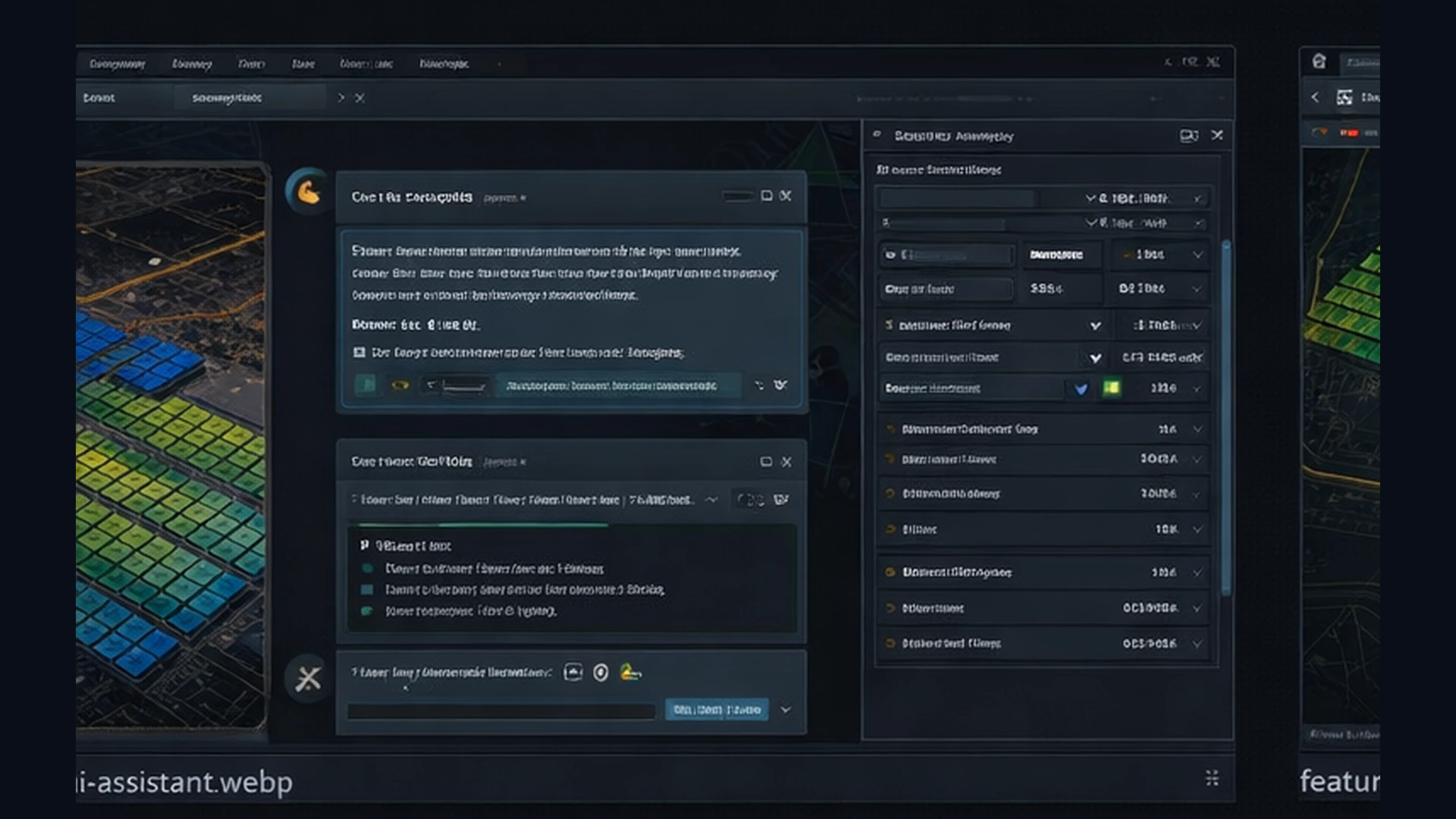
The system observes how you refine layouts — which tables you move, which cables you reroute, which zones you clear. It infers design intent from 7 rule-based patterns with confidence scoring. Over time, it learns your organization's engineering preferences.
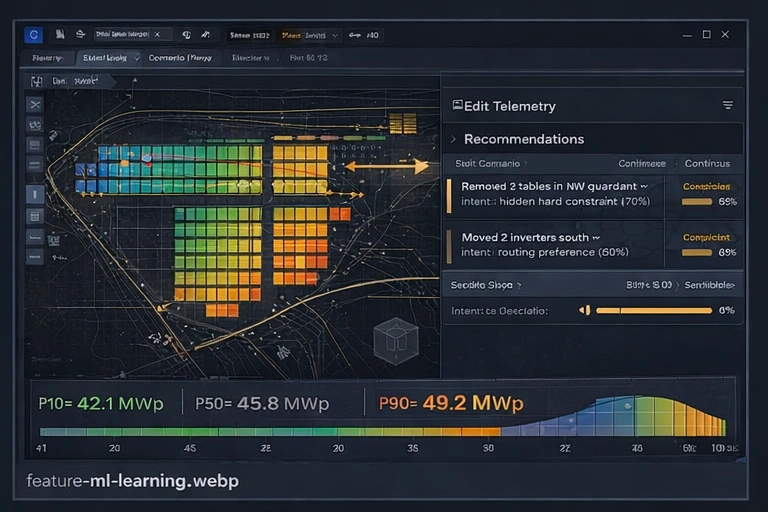
50+ automated checks across capacity balance, electrical compliance, civil feasibility, and grid compatibility. Each check explains what it found and why it matters. Every AI interaction is logged. Every inference is scored. Every decision has a traceable path.
VibeSolar doesn't just track what you change — it infers why.
Delete tables near site boundary
→
Hidden hard constraint (e.g., easement, utility corridor)
Delete tables near exclusion zone
→
Safety/compliance requirement
Move PCS station >10m from generated position
→
Constructability issue (access, terrain, foundation)
Move inverter >5m from cluster centroid
→
Cable routing preference or access requirement
Delete 4+ tables in a cluster
→
Space reserved for future expansion
Add new exclusion zone manually
→
Hidden hard constraint not in original data
Move service road from generated path
→
Constructability or access preference
| Feature | VibeSolar | PVcase | PVsyst | Manual CAD |
|---|---|---|---|---|
| Layout generation | Deterministic + AI | Yes | No | Manual |
| Electrical design | Full (strings → SLD) | Partial | No | Manual |
| Civil engineering | Roads, fencing, grading | No | No | Manual |
| AI design assistant | Natural language (Gemini) | No | No | No |
| Native AutoCAD/Civil 3D plugin | Yes (96 commands, 32 dialogs) | No (standalone) | No | N/A |
| Shading simulation | 8760h annual | Yes | Yes (standalone) | No |
| Financial model | LCOE / IRR / NPV | No | No | Spreadsheet |
| Scenario analysis | P10/P50/P90 (1-50 variants) | Limited | Monte Carlo | Spreadsheet |
| ML edit-learning | Deployed (Stage 1) | No | No | No |
| Design intent inference | 7 rule-based patterns | No | No | No |
| Automation agent | WebUI + folder agent | No | No | No |
| Feature flags | 12 runtime flags | No | No | No |
| Cloud twin | Per-project sync | No | No | No |
| BESS design | Full (sizing, dispatch, thermal) | No | No | Spreadsheet |
| CCTV security | Automated (cameras, FOV, cables) | No | No | No |
| Construction docs | 10 documents + 17-chapter report | No | No | Manual |
| Bankable yield | 8760h P50/P75/P90 | No | Yes (standalone) | No |
| PVsyst export | .SHD + .PAN + .OND | Yes | N/A | No |
| Pile schedule | Auto (multiple presets) | No | No | Manual |
| Price from | $100/mo | Custom ($$$$) | ~$1,500/yr | N/A |
A complete design pipeline in the CAD environment you already use. Stop re-entering data between five tools.
Consistent output quality across projects and designers. One standard, one model, one audit trail.
Scenario-level decision support with real financial metrics. Compare 50 variants before committing capital.
Professional-grade outputs at solo-practitioner speed. Compete on quality, not just on price.
Browser-based pre-feasibility without a CAD license. Screen sites before committing engineering hours.
Every plan includes the AutoCAD/Civil 3D plugin, local backend, and equipment library. Cloud access available as add-ons.
$100/mo
For individual engineers. Full layout-to-report pipeline.
Pre-order Now$200/mo
For design studios. Adds scenario analysis, advanced shading, and civil automation.
Pre-order Now$500/mo
For teams (3 seats). Unlimited use, custom libraries, team management.
Pre-order NowEvery release strengthens the deterministic engines first, then adds intelligence on top.
Core engines, electrical design, civil automation, AI assistant
Scenario analysis, ML edit-learning, Intent inference, Feature flags
Bankable yield, BESS, CCTV security, Construction docs, PVsyst export, Financial model, WebUI, 266 routes
ML prediction stage, multi-variant streaming, enhanced financials, cloud deployment
Cloud licensing, enterprise SSO, multi-tenant, batch automation